Guest calls or taps a link
HostlyHost starts from the phone number, reservation details, or a secure stay link.
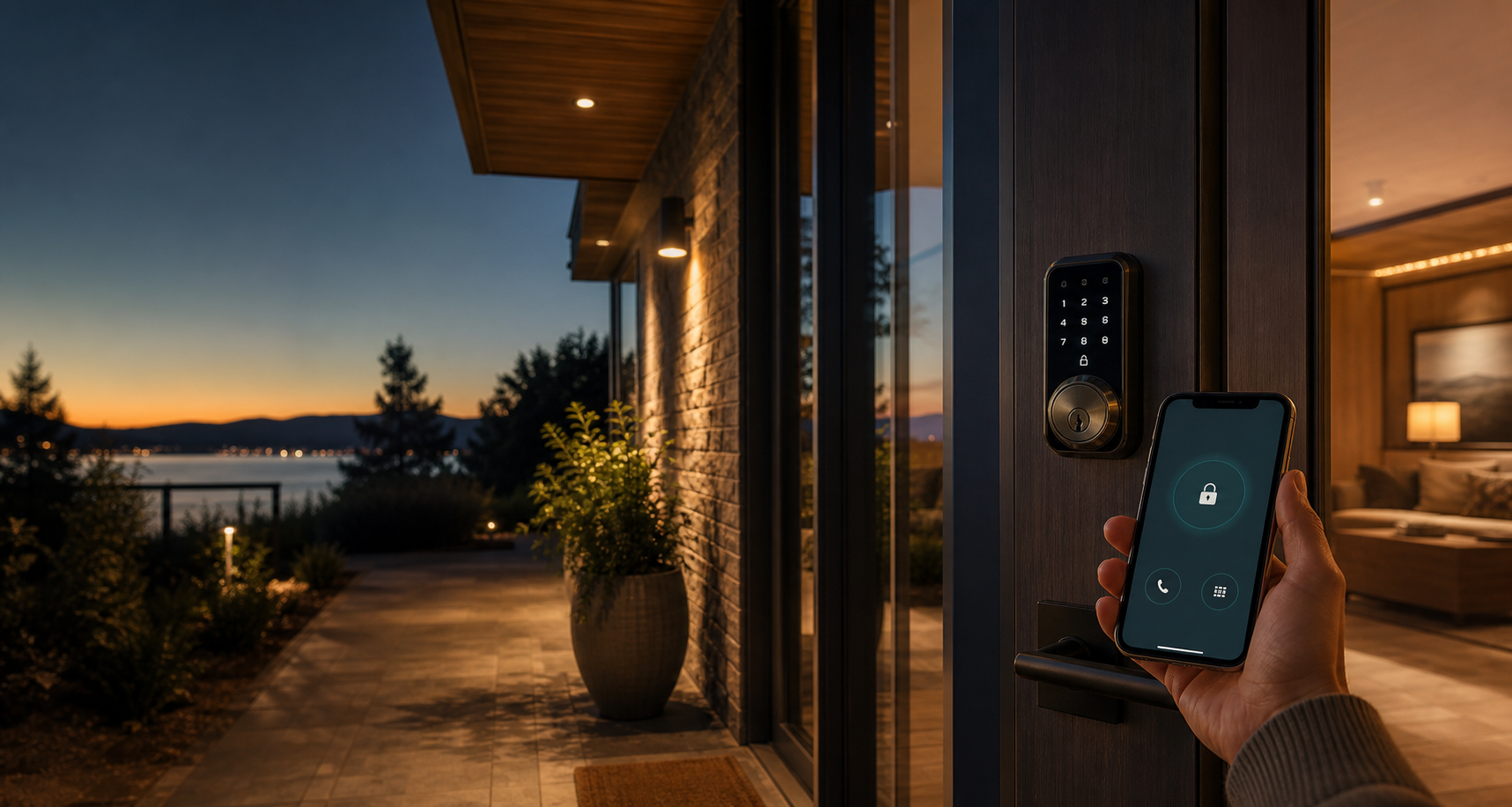
Guest access support for existing HostlyHost workspaces
HostlyHost gives guests an always-on access support line for lockouts, stay links, property resources, and smart-lock workflows while hosts stay in control of policies, escalation rules, and connected accounts.
Onboarding status
HostlyHost is not accepting beta access requests or new workspace registrations right now. Existing workspace users can continue to sign in and use the service.
Built from live rental operations
HostlyHost started inside real short-term rental operations after lockout incidents showed the need for reservation-aware, 24/7 guest access support. It was built to help verified guests get clear guidance while hosts keep control of lock permissions, escalation rules, and connected accounts.
Access rescue
HostlyHost starts from the phone number, reservation details, or a secure stay link.
The platform checks reservation status, access window, property, lock assignment, and language.
Guests can hear instructions, receive an unlock link, or get a remote unlock when policy allows.
The access-support system behind every stay
Automated English and Spanish call flows for lockouts, reservation lookup, and support escalation.
Reservation-aware passcodes, remote unlock policy, lock health context, and audit trails.
A secure stay page for unlocks, access codes, Wi-Fi, house rules, directions, and checkout.
Branding, custom domains, property settings, integrations, and modules scoped per host workspace.
Why hosts keep it on
Every lockout can become a bad review, a refund request, an emergency trip, or a late-night handoff between team members. HostlyHost gives guests an immediate path to help while keeping the host in control of policy, escalation, and audit history.
Guests can call, verify their stay, and receive guided access support without waiting for a host to wake up.
Reservation status, property instructions, lock assignment, access windows, and support policy live together.
The workflow checks the stay before access is shared, records what happened, and escalates with useful context.
Built for operational trust
Support starts with plain-language instructions and stay verification before higher-risk actions like unlock links or remote unlocks.
Workspaces can define property settings, lock mappings, emergency codes, notification contacts, and escalation paths.
Sync runs, webhook events, lock operations, notifications, and API activity are tracked so problems can be diagnosed later.
Authorization
HostlyHost is built for short-term rental hosts, co-hosts, property managers, and service vendors who are authorized to manage guest access, property instructions, reservation workflows, and connected lock systems.
HostlyHost connects to property-management, smart-lock, phone, SMS, email, hosting, and support providers selected by each workspace owner. Connected accounts are used to operate guest access support, reservation verification, lock workflows, notifications, troubleshooting, and audit history.
Support expectations
New workspace onboarding is temporarily closed. Existing users retain normal access to their workspaces and support channels.
No. HostlyHost supports guest access workflows and lockout recovery, but it is not an emergency dispatch, security monitoring, locksmith, or life-safety service. Hosts should maintain backup procedures for emergencies, safety incidents, internet outages, provider outages, and lock failures.
Property resources
Build a property resource library for Wi-Fi, pool rules, parking videos, lock instructions, house manuals, and local recommendations.
HostlyHost
New workspace onboarding is temporarily closed. Existing workspace users can continue to sign in.
Sign in